Contact Info
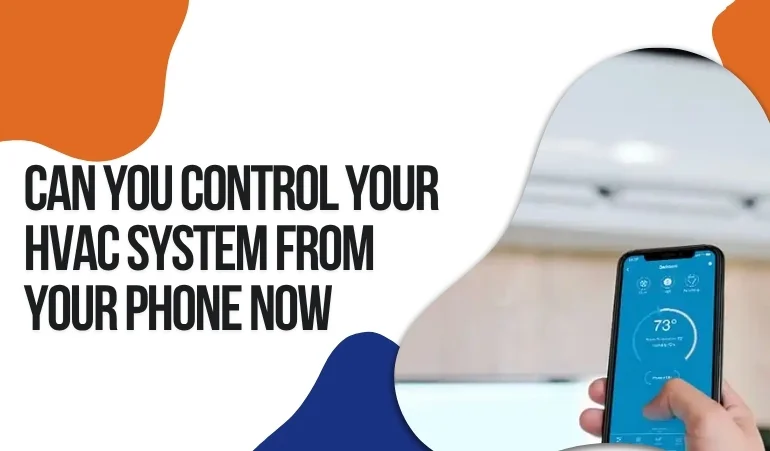
You might find it a bit crazy, but smartphones are genuinely taking control of core HVAC operations. Now, you can make those adjustments from a mobile app that once used to be done by reaching out to the indoor unit and interfering with the components. Though many homeowners and business managers have already stepped toward HVAC automation, they are still not availing of the best features. This is where this blog will help you a lot.
Here, we have put together our 11 years of experience in Pennsylvania. We will explore how you can connect your HVAC system to your mobile phone and maintain its steady performance with small adjustments. It will also uncover what features are available.
Pairing your HVAC with a mobile phone is pretty straightforward. Just after you are done with air conditioner or heat pump installation, download the HVAC brand’s official app from the Google Play Store or iOS App Store. Enter accurate details and create your account. The next step is to pair your HVAC system with the app. It happens in multiple ways.
If you have installed a smart thermostat model such as Nest, Ecobee, or Honeywell Home, you can connect your phone directly with the thermostat and start monitoring HVAC. It requires downloading the app, pairing with the Wi-Fi, and connecting the mobile app with the thermostat, following the instructions on the display screen of the thermostat.
Some AC units have a built-in Wi-Fi chip for pairing with smartphones. You download the brand’s official app on the mobile phone, create an account, and pair the unit with the app to start monitoring it through mobile.
Some non-Wi-Fi AC units use smart infrared (IR) blasters to bridge physical remote signals to the app. Once you get paired, you have HVAC control from the app, where you can monitor key updates.
When it comes to monitoring heating and cooling cycles from mobile devices, there are different opinions. Many PA homeowners think it is just limited to on/off control. Some others have unrealistic expectations regarding complete HVAC repair through the mobile app. The actual scenario is, however, a bit different.
Here is what you can actually do from your smartphone.
You can change the desired target temperature inside the home from the mobile app. It means if you are away from home and want to reduce the load on the HVAC, you can adjust the temperature setting by a few degrees higher or lower.
An HVAC unit has different modes. The common ones include heating, cooling, fan-only, or automatic settings. You can set the mode of your choice from your mobile app without reaching the unit itself or the thermostat.
If your HVAC operates on zoning technology, you can adjust the temperature of various zones just from the mobile app. It allows setting the temperature of less-visited rooms at a slightly lower temperature range.
You can create a specific schedule of heating and cooling according to your lifestyle, work priorities, or presence hours. Once saved, you can easily adjust this schedule, add a new schedule, or make desired changes from the mobile app.
This is an advanced technology. It gives access to your GPS signal to the HVAC system. The system then automatically detects when you are not at home. Then it can slightly lower or raise the temperature to conserve energy while you are away.
Minors are always the ones who interfere with thermostat settings. You can prevent this accidental change in setting from your phone. All you do is lock the setting. Now the setting won’t be altered, even if someone tries from the device.
This feature allows you to get real-time updates on the condition your home is in at the moment. For example, you can check the live temperature and humidity levels in your home from that specific mobile app paired with the home’s HVAC equipment.
This is where mobile pairing helps prevent major problems. You get push notifications when your HVAC experiences malfunctions, issues, or performance decline. You can then take immediate remedial steps before these small issues turn into a bigger headache.
You might usually receive promotional emails about maintenance and tune-ups. Those are never totally accurate. But if you set maintenance reminders on your mobile app, it will remind you at the exact moment when it actually makes sense, depending on the unit condition.
You can view your monthly energy consumption, utility bills, and energy conservation data from the paired mobile app. It also helps you set a better schedule for your desired energy consumption and affordable energy bills.
Lehigh HVAC is a reliable company serving Pennsylvania for over a decade. We can help set up your home’s HVAC system according to modern settings. Feel free to contact us for further details.